
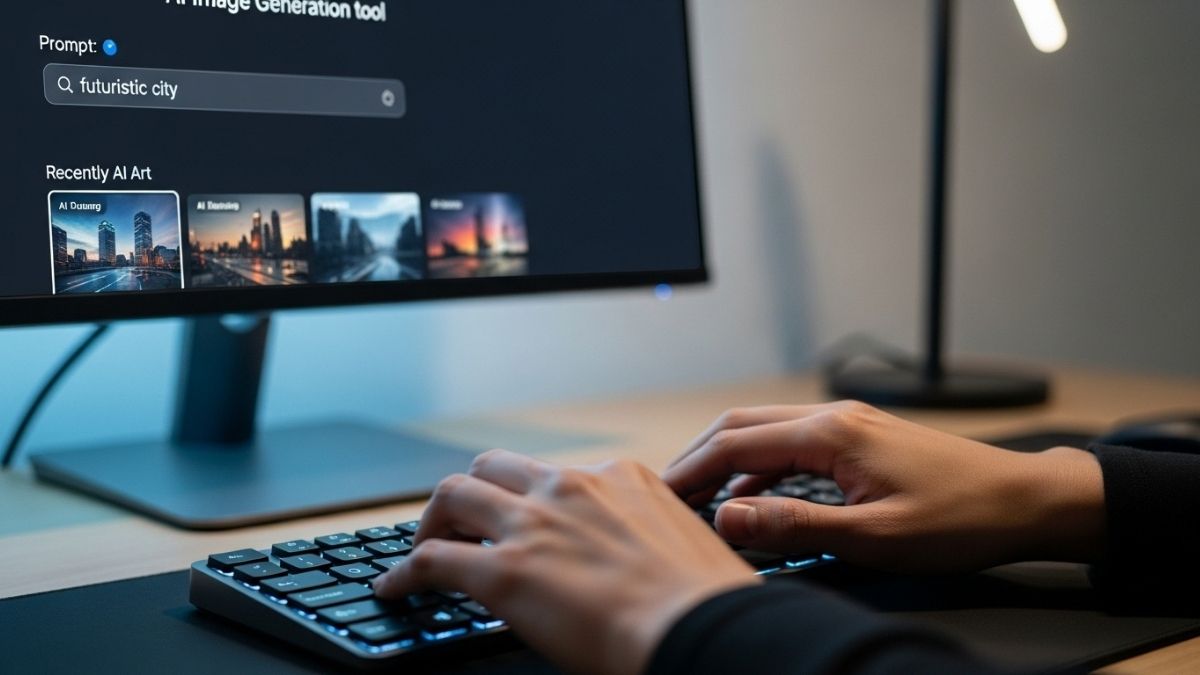
AI image generators have recently exploded in popularity, transforming from a peculiar tech experiment into an “essential tool” for virtually any application—and not just for artists. In theory, you should be able to type in a few words and get a masterpiece.
So why are the images you receive still often mediocre? Just because it doesn’t require “specialized skills” doesn’t mean you don’t need a strategy.
As someone who has tested all the major AI image and video creation tools on the market, I’ve learned the hard way: minor tweaks to your prompt can make all the difference between a “good” image and a “great” one.
Yes, AI will continue to make mistakes, like giving you nightmare fuel images with six fingers. But if you’re tired of fighting with the machine and want to finally master this technology, these Pro-Tips are exactly what you need.
Step 1: Choose the Best AI Service for Your Project
I have hands-on experience with a wide array of AI image generators and creative programs.
The best program for you will depend on your project, budget, and experience level. While you can explore our full reviews and ratings, here are my top three general recommendations:
Our Top AI Image Generator Picks
| Category | Tool | Pros | Notes |
| 1. The Algorithmic Powerhouse | DALL-E 3 (OpenAI) | Excellent at following complex instructions; easy to refine after generation using a conversational flow. | Requires a ChatGPT Plus account ($\$20$/month). OpenAI may use your content to train the model, but you can request to opt-out. |
| 2. The Free & Feature-Rich | Leonardo AI | Has a strong free plan; massive variety of style options; includes a Prompt Improvement Tool. | Recently acquired by Canva but still usable on its website. Requires payment for more advanced editing tools. |
| 3. The Best for Beginners | Canva’s Magic Media | Extremely intuitive and easy to use; best for newcomers and those without creative experience. | Provides 50 free credits (with an expiration date). Automatically disables AI training on your content. |
Once you’ve chosen your program, create an account and navigate to the Prompt Window. Step 2 will cover how to structure your prompt for the best results.
Step 2: Write Your Image Prompt
Your best chance of getting the desired image starts with a well-written prompt.
Every prompt should contain these fundamental elements:
-
Characters: Who or what you want to create.
-
Setting: The environment or location of the image.
-
Other Elements: Specific objects you want included in the image.
-
Dimensions: The aspect ratio of the image (e.g., 16:9, 4:3, Square).
However, to really home in on the image you want, you should also include the following descriptors:
-
Artistic Style: The style you want to emulate (e.g., Watercolor, Photo-realism, Cyberpunk Art).
-
Aesthetic/Vibe: The feeling or tone of the image (e.g., Dreamy, Mysterious, Joyful).
-
Specific Colors: The dominant colors you want featured.
It is true that AI image generators have limitations on what you can create. This is to prevent the misuse of these services to create illegal, dangerous, or harmful content.
For example, DALL-E 3 will often decline requests for images of well-known people, such as Taylor Swift, when requested by name. Always check the safety policies of the service you are using before creating an image.
Prompt Engineering (the process of writing the correct instruction to get the desired results) is something that improves with practice. It also varies between different image generators:
-
Canva often performs better with simpler, shorter prompts.
-
DALL-E encourages longer, more detailed instructions.
Experimentation is the best way to become familiar with your program. Once you have your optimal prompt, you can begin the generation process.
Step 3: Edit Your Images as Needed
Even with the best AI generator, you will likely need to make adjustments after the images are generated.
Depending on the service you use, you may have access to editing tools or be able to request changes. Be careful, however, not to over-edit the image. In my experience, services can only handle a few changes before the image becomes too wonky and ultimately unusable.
Post-generation editing tools are a key area where AI services either excel or fall short.
If your service does not offer these tools (or if they don’t work well), try revising your prompt instead of editing the image.
In my experience, revising the prompt offers a better chance of success than making incremental edits to an existing image.
Also Read: 10 Best AI Writing Tools to Boost Your Content in 2025
Step 4: Properly Credit Your Images
It is crucial to label your images as AI-generated content. As AI image services advance, all creators need to clearly identify the origin of their images. This is essential for differentiating them from human-created art and photography.
While some services automatically embed watermarks or tags indicating they were AI-generated, most major services like Dall-E, Adobe Firefly, Midjourney, Canva, and Leonardo do not.
If you share your image online, make sure to include the following:
-
Include the AI service you used in the Caption, Credit, and/or Alt Text.
-
If sharing on social media, you can also include a Disclaimer in your posts.
While platforms like Meta may flag them as containing AI content on Instagram and Facebook, including this information in your caption will ensure there is no confusion.